
 By
By 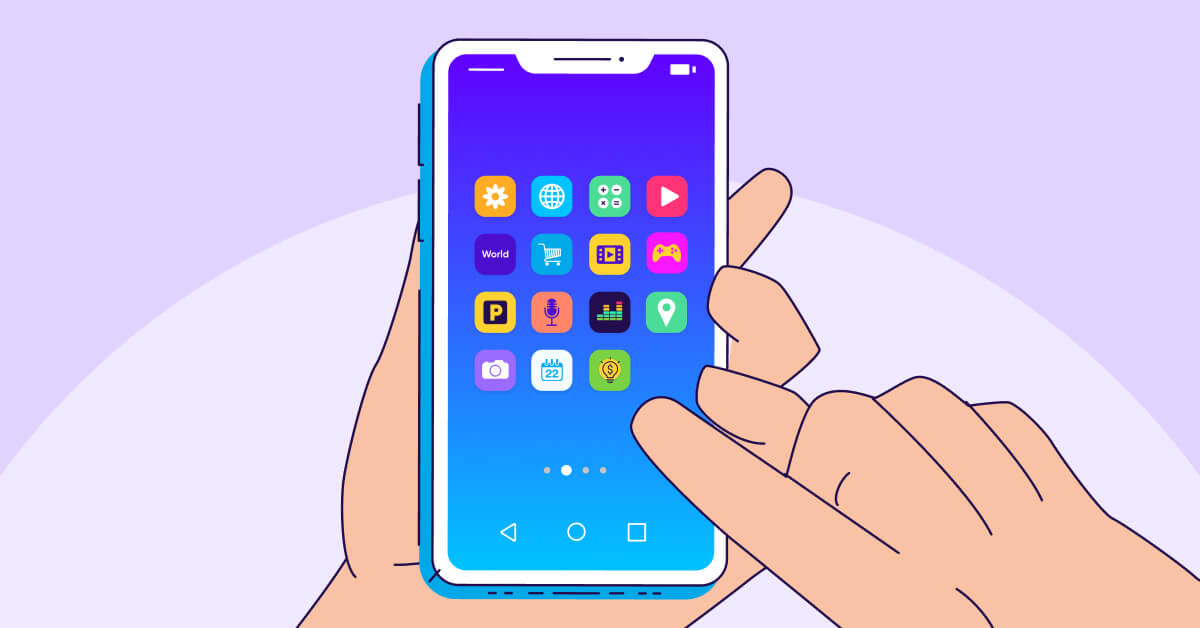
Use data-driven A/B testing and give priority to simplicity, distinctiveness, brand consistency, and great visual contrast when designing app icons to increase click-through rates (CTR). A well-designed symbol can greatly boost user engagement and acquisition.
Below are some principles to keep in mind:
Core Principles for a High-CTR App Icon
- Keep it Simple and Uncluttered: Focus on a single, strong focal point or one clear idea. Overly complex designs with too many elements or small details become visual noise and are hard to decipher at a glance, especially at small sizes on a user’s screen.
- Ensure Instant Recognition: Your icon should communicate the app’s purpose or core value proposition instantly. Use universal or familiar symbols and shapes that help users understand what the app does without needing to “solve” the image.
- Use Bold, Contrasting Colors: Select a limited color palette (max 2-3 main colors) with strong contrast between the foreground symbol and background. Vibrant, eye-catching colors help your app stand out against competitors in the app store and on various user wallpapers.
- Maintain Brand Consistency: The icon should align with your brand’s overall identity, including color schemes and style. This reinforces brand recognition and builds user trust across all touchpoints.
- Avoid Text and Photos: In most cases, text is too small to be legible on an app icon and can make it look cluttered. Use a single letter (like Facebook’s “f” or Netflix’s “N”) only if it’s an essential part of an already well-known brand identity. Avoid using photos or screenshots of your app’s UI.
- Design for Scalability and Context: Ensure the icon remains clear and visually appealing at all required sizes, from small notification badges to large feature graphics. Test how it looks on both light and dark system themes and against different wallpapers.
- Differentiate from Competitors: Research the icons in your app’s category and find a unique way to stand out. If most apps in your niche use blue, consider using a different, complementary color to attract attention.
- Follow Platform Guidelines: Adhere to the specific technical and stylistic guidelines for each platform (iOS, Android) to ensure your icon looks professional and is approved for the stores. For instance, design a square icon and let the system apply the corner rounding.
Data-Driven Optimization
Design is subjective, so utilize A/B testing to make data-driven decisions.
- Test Variations: Create several distinct versions of your icon, changing only one variable at a time (e.g., color, symbol, or background).
- Analyze Metrics: Run tests for a statistically significant period and measure which version yields the highest click-through and conversion rates.
- Iterate and Refine: Use the feedback and data to continuously improve your icon design over time.
Knowing the specs is essential. But everyone has the same square to work with — how do you create an app icon that represents your brand and stands out in the crowded marketplace? Here are some tried-and-true best practices to follow:
1. Unique and recognizable
Among the millions of apps available in the app store, your app icon needs to stand out, especially when compared to your rivals in pertinent search results. In addition to encouraging downloads, it should make it simple for users to locate and utilize your software on their home screens.
It’s best to go too wild, though – your app icon still needs to blend with your brand and provide people a clue as to what it does.
2. Simple
When done well, simplicity can lead to immediate recognition. Consider companies like YouTube, Spotify, and Target, whose app icons only use a few bright colors and basic designs. Eliminating distracting components makes the core design stand out even more. Additionally, clean, straightforward designs are preferable from an accessibility standpoint and scale well across platforms and devices.
The best advice is to eliminate background patterns, use gradients sparingly, and stay away from text and images since they don’t look good in such a little area.
3. Recognizable
This relates to the previous two points. It’s a fine balance between creating an original design, and ensuring users can:
- Recognize the type of app you’re offering (gaming, finance, health, and so on)
- Recognize your app over your competitors (we all know how annoying it is when you open the wrong app on your device)
- Recognize the image or symbol you’re depicting
Analyze competitor apps to see what elements they use to build a connection with users. Then, see which of these you could incorporate while putting your own twist on it.
4. Form
This is a little more technical, but it’s essential to making your app icon visually appealing. Even if your icon only takes up a small amount of space, each component must be properly aligned and balanced. If not, it is startling and may turn off users.
To guarantee that everything is precisely positioned, designers frequently use a grid pattern. It’s a good idea to get input from some professional eyes if you haven’t had your symbol produced by an expert.
5. Platform-specific designs
To direct all user interactions, each operating system (OS) has its own set of design principles. On Android devices, an app icon that blends in perfectly with iOS devices could stand out like a sore thumb.
To improve brand awareness, all of your app icons should have the same design features, such as color and symbol. To make sure that the final design complements the overall user experience, you might need to apply slightly different treatments for each platform’s components.
6. Multiple sizes and backgrounds
App icons appear in different sizes on different devices. You should test and preview your icon in all necessary sizes before submitting it because most platforms employ raster graphics, which don’t scale as well as vector images. Maintaining legibility across platforms and devices can be achieved by keeping your app icon design minimal.
Read Also: How to Write App Descriptions That Convert
To make sure your app icon doesn’t blend into the backdrop, it’s also a good idea to test your design against the most often used OS wallpapers. Steer clear of transparency and think about employing a contrasting border to avoid this.
7. Alignment with your brand identity
In addition to conveying the functionality of your app, an app symbol should embody your brand. To provide a cohesive experience, it should be in line with the image of your business and all other touchpoints.
Consider creating a “throughline” (or design language) that unifies all of your app icons if your company sells a variety of apps (such as different games). To generate a common “vibe,” this could entail employing a same color scheme, particular symbols or pictures, or a consistent artistic approach.
8. Continuous testing
The ideal app icon cannot be created by any designer. The secret to perfecting your design and adapting it to changing consumer trends is to get customer feedback frequently.
Try Google Experiments for Android designs, or conduct focus groups and A/B tests to assess possibilities (more on this below).
9. Ongoing evolution
Don’t panic if testing reveals that your app icon is no longer functional. Maintaining market expectations requires constant improvement.
Examine top brands to learn about broad design trends, and monitor rivals to determine the future course of your particular sector. Refreshing your app’s icon can help your business stay relevant and let users know that you’re dedicated to improving their experience.
For example, this video shows how Google’s suite of app icons have evolved over the past decade to present a more consistent and contemporary feel.
Or consider Instagram, which has gradually made its app icon simpler and brighter — helping it stand out on users’ busy home screens, while staying connected to its core purpose (photos, of course!).
Common Mistakes to Avoid
Following the guidance above will set your app icon on the path to success. Just be sure to avoid these common pitfalls:
- Too bland: Yes, we said your app icon should be simple, and fit in with others in its category. But don’t make it so dull that users scroll right past it.
- Too busy: You’ll know by now that text and photos are a no-no for app icons — they just won’t be properly visible in such a small space. And a graphic that’s too cluttered or busy won’t convey your message effectively.
- Too confusing: “What even IS that?” We’ve all seen icons that just don’t make sense. Don’t leave yours open to interpretation — test it with a diverse group of people, to check they all see what you do.
- Too local: If you want your app to be used internationally, check that your design works across cultures and language barriers. Will your graphics or symbols be meaningful? Do your colors have particular connotations in different regions? Getting these details wrong could be a costly mistake.
- Not accessible: Clear colors with good contrast are vital in helping users recognize your icon — even more so for people who may have visual or cognitive impairments.
Summary
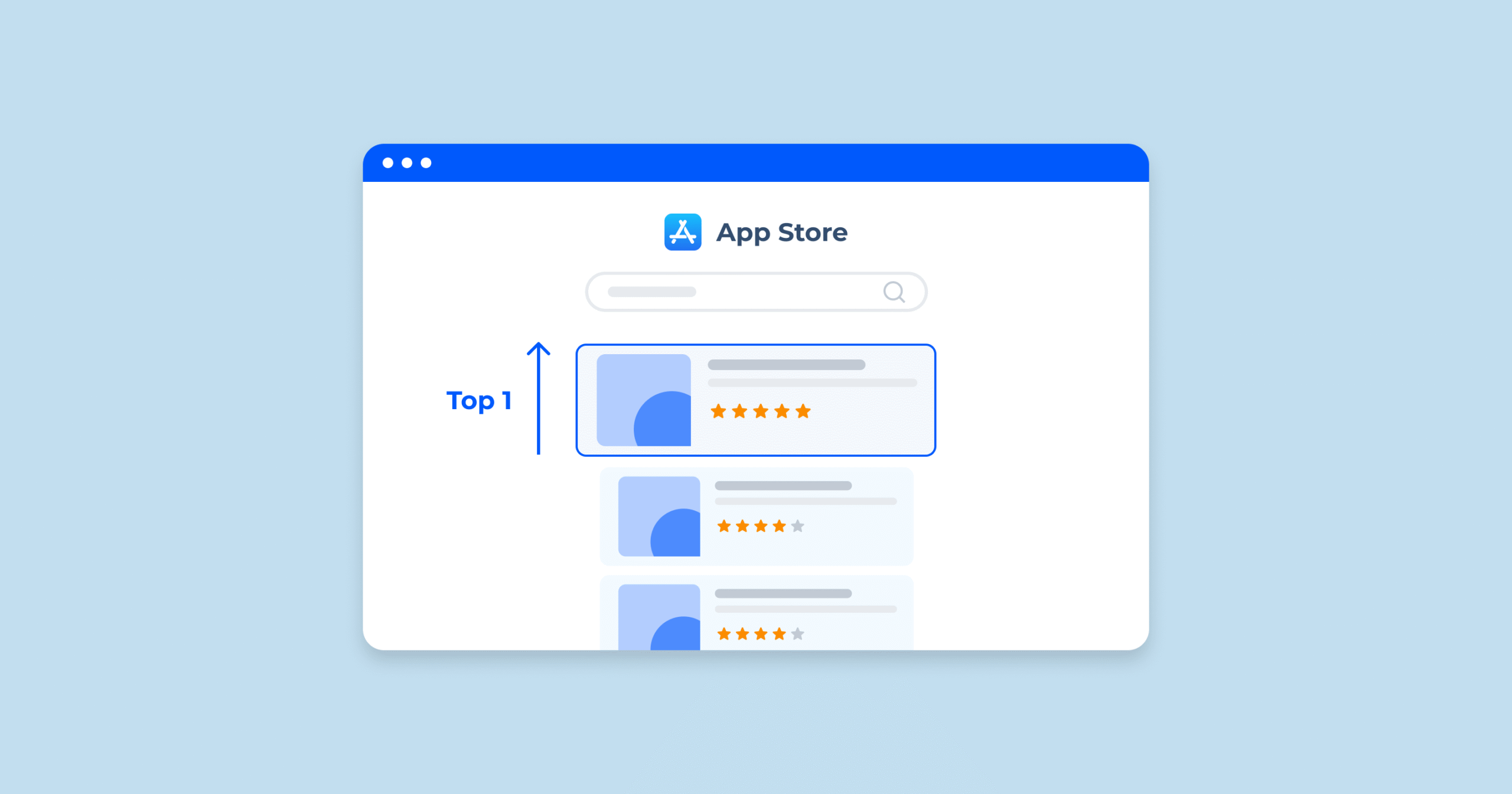
- Your app icon makes an important first impression and captures attention in app store search results. This helps build brand awareness, increase your click-through rate, and drive downloads.
- It also helps you stand out on users’ home screens, so they’ll more likely open the app and engage with your content.
- Your app icon must meet design guidelines for each platform to ensure that it’s displayed correctly in the app stores.
- Make sure your app icon is unique, simple, and recognizable, with perfect form. It should align with your brand and display properly on different devices, operating systems, and backgrounds. Remember to keep testing your app icon and evolve your design over time.
- Common mistakes include making your app icon too bland, too busy, or too hard to recognize. And don’t forget about accessibility or cultural differences.
- A/B testing helps you identify the most effective app icon design, by comparing engagement across different variants.








Comments