
 By
By 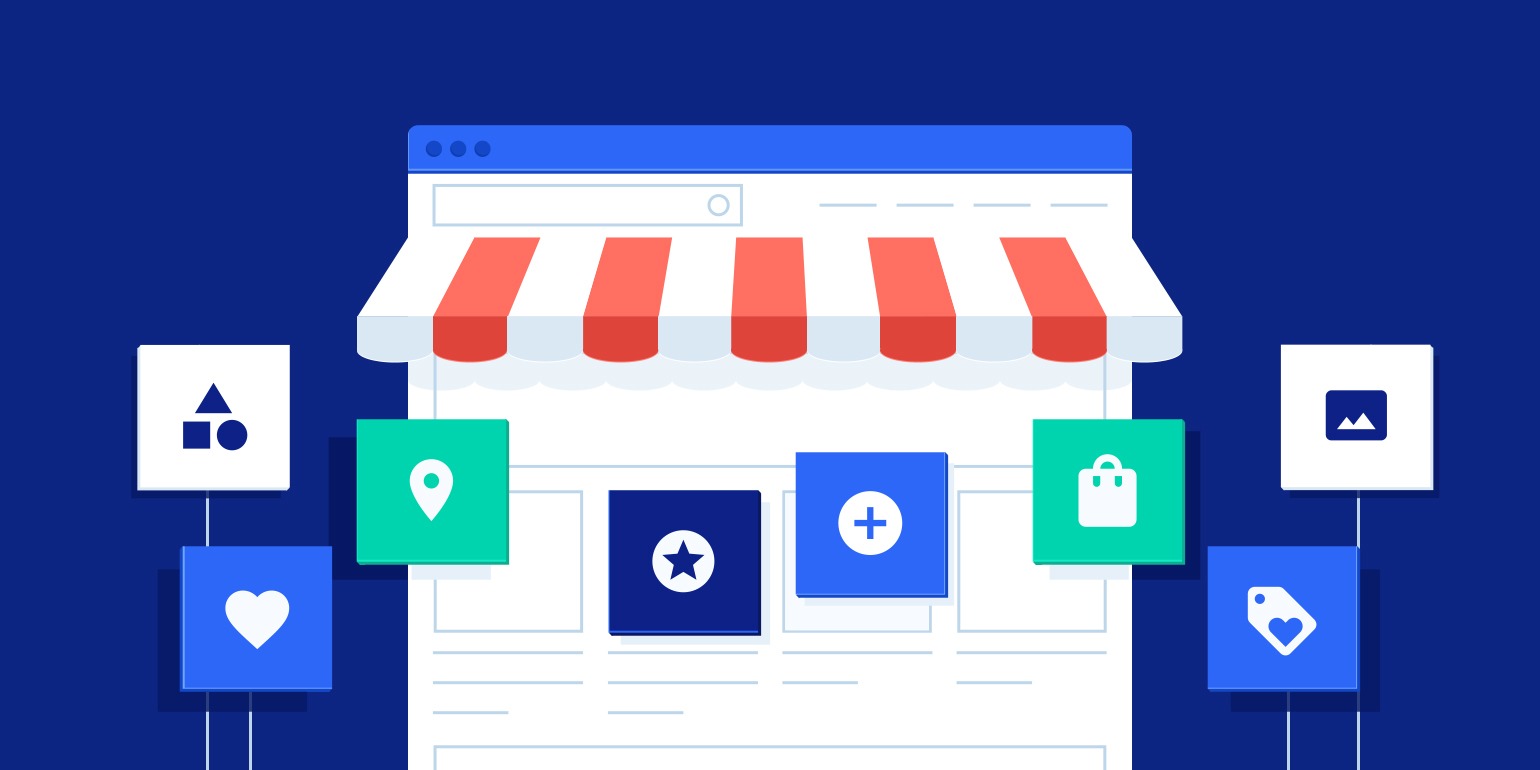
A digital storefront is the online, virtual equivalent of a real retail store, acting as the principal, public-facing entrance point for a company’s online presence. It is a customized website, app, or marketplace page where businesses may display, market, and sell their products or services to clients.
A digital storefront, unlike a conventional informational website, is designed for transactions and includes practical aspects such as product catalogs, shopping carts, and secure payment processing.
A digital storefront connects your customers to your business online through a structured, intuitive shopping experience. It includes both visual elements—such as product images and layout—and technical features like navigation and responsiveness.
Shoppers form opinions within seconds. Therefore, a clear, fast, and organized storefront builds trust quickly and encourages them to stay long enough to make a purchase.
If you run a WooCommerce marketplace with WC Vendors, your storefront carries even more weight. It represents the collective presence of multiple vendors. As a result, it must strike a balance between consistency and enough flexibility to reflect each seller’s unique brand.
What Is A Digital Storefront?
A digital storefront functions as the online counterpart of a physical retail shop. It includes the homepage, product listings, navigation menus, and vendor profile pages. Every shopper interaction—from browsing to checkout—happens through this interface.
Moreover, a digital storefront involves technical components like SEO structure, performance optimization, and conversion-focused navigation. These back-end features support the customer-facing design and help your store operate smoothly.
If you manage a WooCommerce marketplace, your digital storefront acts as the central hub for all vendors. It allows shoppers to browse and purchase products from different sellers through one consistent experience.
What Makes A Good Digital Storefront?
Successful storefronts don’t just look nice. They work efficiently and keep shoppers engaged.
Here’s what to prioritize:
- Clean, logical layout: Avoid clutter. Make it easy to navigate between categories, search results, and product pages.
- Fast loading times: Page speed directly impacts conversions. Compress images, avoid heavy scripts, and use caching plugins.
- Mobile-friendly design: Most buyers shop from their phones. A responsive design is non-negotiable.
- Filtering and search: Let users sort by price, popularity, or attributes. Especially important in a WooCommerce multi-vendor marketplace.
- Brand support for vendors: Each vendor needs their own storefront identity within the shared marketplace.
Together, these elements give visitors a clear sense of direction and build trust from the start.
Easy to use, especially for beginners
We focused on finding platforms that are simple to use, even for those with little to no technical experience. A drag-and-drop editor and intuitive design were essential, so anyone can easily set up and manage their store without needing to learn complex coding skills.
Ample customization options to fit your needs
We prioritized flexibility to ensure your store can be unique and reflect your brand’s identity. That’s why we chose platforms that offer customizable templates, allowing you to adjust the look and feel of your store and add or remove features as needed.
Important third-party integrations for smooth operations
Integrating important tools like payment gateways (e.g., PayPal, Stripe), shipping solutions, and marketing apps was a key factor in our selection process. We only included platforms that seamlessly integrate with these tools, simplifying your operations and giving you the flexibility to scale as your business grows.
Strong security features for safety
Security is critical when it comes to online businesses. We ensured the platforms we selected offer strong security features, such as SSL certificates and PCI compliance, to protect both your business and your customers’ sensitive information, ensuring safe transactions.
Must have scalability for future growth
We understand that your business may grow, so we chose platforms that can scale with you. Whether it’s handling increased traffic or expanding product inventories, these platforms offer flexible pricing and the ability to adapt to your needs over time without compromising performance.
Mobile-friendly, because that’s where most of the eCommerce takes place
With so many customers shopping on mobile devices, we ensured that the platforms we chose are fully mobile-responsive. This means your store will automatically adjust to look and function perfectly on any screen, providing a smooth shopping experience for your customers.
Types of Digital Storefront Software
Hosted digital storefronts
Hosted storefronts, also referred to as Software as a Service (SaaS) or cloud-based platforms, are fully managed by third-party providers. These providers handle everything from the storefront setup to the backend infrastructure and ongoing maintenance and charge a subscription fee.
Self-hosted digital storefronts
Self-hosted storefronts, also called on-premises storefronts, require the business to host and manage the eCommerce platform on their own servers or cloud infrastructure. This means the business is responsible for everything from setup to ongoing maintenance, including updates and security.
Open Source digital storefronts
An “open-source eCommerce” platform gives users full access to its source code, allowing them to modify and configure the software to meet their specific needs. This provides complete control over the design and functionality of the online store. While manual adjustments are required for customizations, users can fully leverage the platform’s capabilities.
Best Digital Storefront Software
1. WIX
Wix is one of the most popular website builders available today, with over 3.6 million websites using the technology to open their storefronts. known for its significant improvements over the years, WIX offers a user-friendly platform that enables individuals and businesses to create professional-looking websites for eCommerce without needing extensive technical knowledge. While it’s not the cheapest option out there, it’s one of the most premium website builders.
Pros
- Wix features a simple yet effective drag-and-drop editor, making it easy for beginners to design and manage their websites with zero coding skills.
- With over 900 professionally designed templates, users can find options suited to their specific needs, including personal sites and online e-commerce store.
- Wix offers robust e-commerce functionalities, allowing users to easily set up and manage online stores, making it a viable alternative to platforms for online stores like Shopify.
- Wix provides built-in tools for invoicing, video editing, email marketing, and analytics, which are beneficial for managing a website.htt
- Wix includes features that generate SEO checklists and other tools to help improve website visibility.
Cons
- Pricing: While Wix offers a free plan, it’s limited and does not allow for a custom domain. Paid plans start at $16 per month, which is higher compared to some competitors.
- Limited Free Plan: The free version lacks many essential features, making it less practical for serious users who need a functional website.
Pricing
- Light Plan: Starts at $16 per month, suitable for personal websites with two collaborators and 2GB of storage.
- Core Plan: Priced at $27 per month, allowing five collaborators, 50GB of storage, and additional ad features for e-commerce.
- Business Plan: Begins at $32 per month, ideal for those looking to set up a full-fledged online store with 100GB of storage and enhanced e-commerce capabilities.
- Business Elite Plan: This plan costs $159 per month and its the most high-end WIX plan with unlimited storage and 15 collaborators.
2. Shopify
Shopify is a website builder tailored specifically for businesses wanting to sell products online. Unlike general-purpose site builders, Shopify focuses entirely on eCommerce, offering tools to help businesses of all sizes set up, run, and scale their online stores.
Read Also: The Power of Online Marketplaces for Small Businesses
Shopify powers over 5.3 million online stores globally, generating around $235 billion in annual sales last year. It provides everything you need to start and grow an eCommerce business, from customizable templates to a range of features that support selling products and managing operations.
Shopify Pros
- eCommerce Focus: Shopify is designed specifically for eCommerce, making it ideal for businesses looking to sell products online.
- Ease of Use: Suitable for beginners and pros alike, with a simple interface and easy setup.
- Scalability: Supports businesses of all sizes, with features that grow alongside your business.
- 24/7 Support: Offers round-the-clock customer service through live chat, email, and forums.
- Customization: Access to hundreds of free and paid templates, and many add-ons from the Shopify App Store.
- Multiple Payment Options: Shopify supports multiple currencies and payment options, including its own Shopify Payments to avoid additional fees.
- Free Trial: Shopify’s free trial is a great way to test the tool before investing upfront.
Shopify Cons
- Transaction Fees: There’s a 2% processing fee for external payment gateways unless you use Shopify Payments.
- SEO Limitations: While Shopify offers built-in SEO tools, platforms like Wix and Squarespace have better SEO capabilities.
- Additional Costs for Features: Some features, like multi-language support, require paid apps.
Shopify Pricing
Shopify offers three pricing plans:
- Basic Plan: $29 per month. Best for beginners with features like unlimited products, staff accounts, abandoned cart recovery, and social media marketing.
- Shopify Plan: $79 per month. Includes more advanced features like detailed analytics, more staff accounts, and multi-currency support. Ideal for growing businesses.
- Advanced Plan: $299 per month. Designed for large businesses with features like advanced reporting, inventory tracking across multiple locations, and bigger shipping discounts.
- Plus Plan: $2,300 per month, which is billed for 3 years at once. This plan is for large merchants with a heavy transaction volume.
Shopify also has custom pricing and a social media store plan starting at $5. You can check all the plans on their pricing page.
3. SellersCommerce
SellersCommerce is a B2B and B2C eCommerce platform designed to streamline online sales for businesses across various industries, but especially in promotional products, medical gear, and uniforms. The platform offers robust features that empower brands to create personalized and scalable online stores.
With a focus on user experience, SellersCommerce enables businesses to manage their product catalogs efficiently, integrate seamlessly with existing systems, and optimize their sales processes. By providing tools for order management, inventory tracking, and customer engagement, SellersCommerce helps businesses enhance their online presence and drive revenue growth.
Pros
- User-Friendly Interface: SellersCommerce features an intuitive design that simplifies navigation and management, making it accessible for users with varying technical skills.
- Support for both B2B and B2C: SellersCommerce offer storefront solutions for both business-to-consumer and business-to-business commerce.
- Customization Options: The platform provides extensive customization capabilities, allowing businesses to create a unique online storefront that aligns with their branding and operational needs.
- Specialization in industries: SellersCommerce’s forte in medical equipment, uniforms, and promotional products is a bonus for people looking to enter this niche.
- Integration Capabilities: It seamlessly integrates with popular ERP systems and third-party applications, enhancing operational efficiency and streamlining workflows.
- Scalability: SellersCommerce is designed to scale with your business, accommodating growth in product offerings and customer volume without compromising performance.
- Dedicated Support: Users benefit from robust customer support and comprehensive resources, ensuring they can effectively address any issues and maximize their use of the platform.
Cons
- Lack of Themes and Marketplace: When compared to Shopify and WooCommerce, SellersCommerce doesn’t have a vast library of themes and no marketplace. It has limited options and has a CMS that let’s users to custom build sites use a flexible drag and drop editor. Additionally, SellersCommerce team can help you develop the theme of your choice.
4. WooCommerce
WooCommerce is a popular WordPress plugin designed for building and managing eCommerce stores. It offers flexibility and functionality, allowing users to create an online shop seamlessly if they have an existing WordPress site.
With a wide array of plugins and a supportive online community, WooCommerce provides essential features for managing products, inventory, and sales. However, it requires a certain level of technical knowledge, making it more suitable for users comfortable with WordPress.
Pros
- Integration with WordPress: Easily integrates with existing WordPress sites, allowing for a seamless setup.
- Customizable: Offers a high degree of customization through various plugins and themes, catering to diverse business needs.
- Strong Online Community: A large community with plenty of forums, blogs, and YouTube tutorials available for support.
- Product Organization: Allows the creation of categories and subcategories for easy product navigation and improved SEO.
Cons
- Complex Setup: The initial setup can be complicated, especially for users unfamiliar with WordPress, requiring additional steps like hosting and domain configuration.
- Limited Default Features: The order management system is basic, necessitating additional plugins for enhanced functionality.
- Potential for Plugin Conflicts: Frequent updates can lead to compatibility issues among plugins, which may disrupt store functionality.
- Costly Add-ons: While the plugin itself is free, additional costs can accumulate through paid themes and plugins, making it more expensive than anticipated.
Pricing
Although WooCommerce is a free WordPress plugin, there are additional costs associated with setting up a store using the WooCommerce plugin.
Hosting can start at around $3.99 per month, averaging $120 per year, while domain registration typically costs about $15 annually. You can choose between free and paid themes, with paid options ranging from $20 to $100 per year.
For store management, shipping tools may incur additional costs, and payment gateways charge around 2.9% plus a fixed fee per transaction. Ongoing operational costs include email marketing tools and security measures, with prices varying widely. Ultimately, your WooCommerce expenses depend on the features you select and your business needs. If you require development help, hiring a WooCommerce expert can cost between $10 and $100+ per hour.
Conclusion
You don’t need a perfect storefront to start. You just need a digital storefront that functions reliably, supports customer needs, and adapts as your WooCommerce multi-vendor marketplace grows.
Over time, the right adjustments will help you improve both vendor engagement and customer experience.







Comments