
 By
By 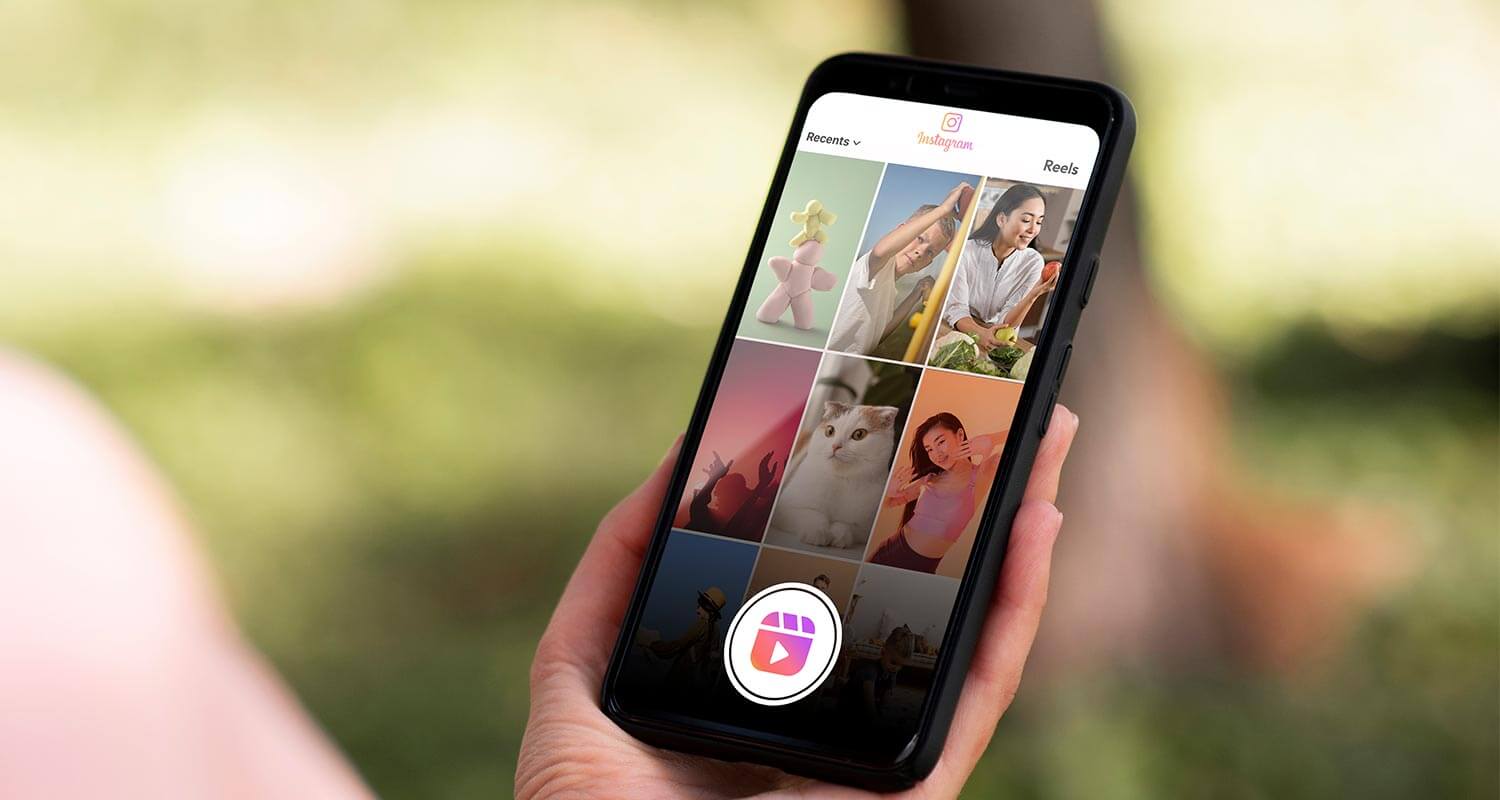
One of the most widely used platforms for sharing and watching short-form videos on the internet is Instagram Reels. Every day, millions of Reels are uploaded, ranging from amusing comedic moments to instructive guides and popular challenges. Sometimes you find a reel that you want to preserve for inspiration, post outside of Instagram, or watch again at a later time. The option to save Instagram Reels comes very handy in this situation.
We’ll go over what Instagram Reels are, why people download them, how to save them, legal issues, and useful advice for handling downloaded Reels appropriately in this extensive guide.
What Are Instagram Reels?
Instagram Reels are brief videos that range in duration from a few seconds to ninety seconds. They enable producers to incorporate music, effects, filters, and editing tools into video clips. The format is intended for high engagement and rapid consumption.
Reels can be found across the Instagram app in a number of locations, such as:
- The Reels tab on the navigation bar
- The Explore page
- Your home feed
- Individual user profiles
The algorithm often shows content based on your interests, which means you’re constantly discovering new videos you may want to revisit later.
Why People Want to Download Instagram Reels
There are many legitimate reasons someone might want to download or save a Reel for personal use. Here are some of the most common motivations:
1. Offline Viewing
Not everyone has constant access to reliable internet. Downloading Reels allows you to watch them later without using data.
2. Content Inspiration
Creators often study other Reels to learn editing techniques, storytelling styles, and trending formats. Saving videos makes it easier to analyze them later.
3. Educational Content
Many Reels include mini tutorials such as cooking tips, productivity hacks, fitness routines, and language lessons. Keeping a copy can help you revisit the instructions whenever you need them.
4. Sharing Outside Instagram
Sometimes you want to send a Reel to friends or family who do not use Instagram. Downloading the video lets you share it through messaging apps, presentations, or other platforms.
5. Personal Collections
Some users simply enjoy building a library of entertaining or meaningful content they’ve discovered online.
Built-In Ways to Save Reels on Instagram
Before using external tools, it’s worth knowing that Instagram already provides a few ways to keep track of your favorite videos.
Save to Your Instagram Collections
Instagram allows users to bookmark Reels directly inside the app.
Steps typically include:
- Tap the three dots (•••) on a Reel.
- Select Save.
- Add it to an existing collection or create a new one.
This does not download the video to your device, but it keeps it stored in your account for easy access.
Share to Your Stories
Another option is sharing the Reel to your Story. While temporary, it allows you to revisit the content for 24 hours or highlight it later.
How Third-Party Tools Help You Save Instagram Reels
If you want an actual video file on your device, external tools may help you save Instagram Reels directly. These tools typically work by retrieving the public video file from the Reel’s URL.
The general process usually works like this:
- Copy the Reel link from Instagram.
- Paste the link into a Reel downloader website or app.
- Download the video file to your device.
These services can work on smartphones, tablets, or desktop computers depending on the platform.
However, not all tools are equal. Some may include ads, watermarks, or lower-quality downloads.
Features to Look for in a Good Reel Downloader
When choosing a tool to download Reels, consider the following factors.
1. Video Quality
The best tools allow you to download videos in their original resolution without compressing them.
2. No Watermarks
Some services add their own branding or watermark to the downloaded video. Many users prefer tools that keep the video unchanged.
3. Fast Processing
Efficient downloaders process links quickly and deliver the file within seconds.
4. Mobile Compatibility
Since most Instagram users browse on mobile devices, the downloader should work smoothly on smartphones.
5. Privacy Protection
Reliable tools should not require login credentials or personal account access.
Step-by-Step Example of Downloading a Reel
Although the exact interface varies between tools, the general workflow is very similar.
Step 1: Find the Reel
Open Instagram and navigate to the Reel you want to save.
Step 2: Copy the Link
Tap the share icon or three-dot menu, then choose Copy Link.
Step 3: Use a Reel Downloader
Open a trusted downloader website in your browser.
Step 4: Paste the URL
Paste the copied link into the input field on the site.
Step 5: Download the Video
Click the download button and save the video to your device.
Once completed, the Reel will appear in your phone’s gallery or your computer’s downloads folder.
Legal and Ethical Considerations
Downloading social media content comes with responsibilities. It’s important to respect creators and follow platform guidelines.
Respect Copyright
Most Reels belong to the creators who made them. Downloading them for personal use is usually acceptable, but reposting them without permission may violate copyright rules.
Credit the Original Creator
If you plan to share a downloaded Reel elsewhere, always give clear credit to the creator.
Avoid Commercial Use
Using someone else’s content for marketing or profit without permission can lead to legal issues.
Follow Instagram’s Policies
Instagram’s terms of service outline how content can be used on the platform. Understanding these guidelines helps ensure you stay compliant.
Tips for Organizing Downloaded Reels
If you regularly download videos, your device can quickly become cluttered. A few simple organization techniques can help.
Create Themed Folders
Sort videos into folders such as:
- Cooking
- Fitness
- Travel
- Business tips
- Comedy
This makes them easier to find later.
Rename Files
Instead of leaving random file names, rename videos with descriptive titles.
Example:easy-pasta-recipe-reel.mp4
Use Cloud Storage
Services like cloud drives help store large video libraries while freeing space on your device.
The Future of Short-Form Video Downloads
Short-form video is likely to remain a dominant format on social media. As platforms evolve, the ways people interact with content—including saving and sharing—will continue to change.
Several trends are already shaping the future:
- Improved built-in download features
- Better creator control over distribution
- Higher video resolutions
- Integration with editing and remix tools
These developments will make it easier for users to interact with content while still protecting creator rights.
Bottomline
The way people make and watch short movies online has changed thanks to Instagram Reels. It’s hardly surprising that many users seek ways to save their favorite videos, as there are a ton of inspiring, instructive, and funny ones that are released every day.
The important thing is to save Instagram Reels carefully, whether you utilize additional tools or Instagram’s built-in bookmarking options. Use downloaded content for personal inspiration or education, respect creators at all times, and refrain from unapproved reposting.
You may support the creative community that drives the platform’s success while creating your own collection of fun and helpful Reels by adhering to the techniques and best practices described in this guide.











Comments