
 By
By 
Making money directly from your phone requires leveraging the gig economy, freelancing, passive income, and cashback rewards. The most reliable platforms span global digital marketplaces and country-specific earning platforms, categorized below to help you easily locate the right match for your skills.
Here are all the ways you can make money online with just your phone:
- Apps for creating and selling your own products (highest income potential)
These apps allow you to connect with an active marketplace to sell digital products or physical ones. - Instant-payout receipt, survey, and game apps
Snap receipts, tap through surveys, or use play-to-earn games to earn points or cash. - Passive cashback & rewards apps
Earn passively by signing up, linking a payment method, and spending as usual to get cashback and rewards. - Gig apps
Sign up for and complete tasks like food delivery, driving passengers, shopping, or dog walking.
1. Whop: Android and iOS
If you want the highest earning potential from a single smartphone app, Whop is it.
Build and sell anything: digital products, paid communities, coaching, SaaS and apps, memberships, courses, templates, services, recurring subscriptions – you get the idea.
Don’t want to build your own offer? Make cash with affiliate marketing and UGC.
Everything (product setup, payments, customer access, retention tools, and analytics) runs inside one app, so you can start earning in minutes instead of juggling multiple platforms.
- Earning potential: $$$$$
- How you get paid: Whop Payments (cards, wallets, BNPL, crypto, global).
- What you need: A phone and a bank account.
2. OfferUp: Android and iOS
If you want fast, local cash for things you no longer use, OfferUp is one of the easiest ways to turn clutter into money.
List an item, meet up with a buyer, or ship it nationwide. Most users make their first sale within a day because the marketplace prioritises local visibility.
- Earning potential: $$$
- How you get paid: Cash or digital wallets for local meetups; in-app payments for shipped items (released after delivery).
- What you need: A phone and items to sell.
3. Decluttr: Android and iOS
Decluttr is great for selling tech-related physical items. It lets you sell CDs, DVDs, old phones, games, consoles, and other techy things easily.
You won’t be selling to other people, though, which is how this app differs from competitors like OfferUp. Instead, you’re selling directly to the company.
You can scan barcodes or enter some crucial info about your electronics into the app and get an instant valuation. If you accept, Decluttr will send you a free shipping label, and you’re all done.
- Earning potential: $$$
- How you get paid: You only get paid if the item passes inspection once it reaches Decluttr. Payments can be made through direct bank deposit or PayPal soon after your item gets approved.
- What you need: A smartphone.
4. Poshmark: Android and iOS
Poshmark is considered the go-to app if you want to sell used (yet good condition) clothes, shoes, accessories, electronics, home decor, or beauty products.
To start selling, you have to make an account, snap some pictures of the things you want to sell, and list them.
Once you find a buyer, Poshmark will send you a shipping label so that you can pack up the item and ship it.
- Earning potential: $$$$
- How you get paid: All the payments go through Poshmark. Once the buyer confirms that they received your shipment, you’ll get paid. Poshmark does take a cut out of each sale, though.
- What you need: A smartphone.
5. Turo: Android and iOS
Turo is like Airbnb for cars. You can list your vehicle on the app, set availability and pricing, and rent it out to people in your area who need a short-term ride.
When someone books your car, you either hand off the keys or leave it in a designated spot for pickup. And yes, Turo offers insurance options and customer support, so you’re covered if anything goes wrong.
Pricing can be set manually or using Turo’s ‘smart’ pricing tool, which factors in demand and location.
Earnings can be pretty good, too – some hosts earn hundreds (or even thousands) each month, especially in high-demand cities or near airports.
- Earning potential: $$$
- How you get paid: Turo pays via direct deposit about 3 days after your first trip. Trips that last more than a week will be paid in weekly partial payments.
- What you need: A car that meets Turo’s eligibility requirements, the Turo app, and a valid driver’s license.
6. Neighbor: Android and iOS
Neighbor is like ‘Airbnb for storage’. It connects people who have goods to store or cars to park with people who have space to rent.
As a Neighbor host, you can earn passive income by offering up your unused space.
Using Neighbor, you can rent out your attics, closets, sheds, carports, basements, driveways, garages, yards, and even spare bedrooms.
- Earning potential: $$$$
- How you get paid: Payments are made every month directly to your bank account through Stripe.
- What you need: Phone or laptop access and unused space.
7. Foap: Android and iOS
Foap is an app that allows you to sell your photos to earn extra cash. The app currently has around 4.5 million people making money with visual content.
Simply take your photos or videos and upload and sell your content on the Foap app.
There are a few ways that you can sell your content with Foap:
Crowds: How brands request images from within their own crowd – aka community.
Missions: Where brands request images with ‘missions’ sent out to all users of the Foap app, not just those within their crowd.
- Earning potential: $$
- How you get paid: Photos sell for $10 on Foap, and you’ll get $5 back from this.
- What you need: A phone with a high-quality camera.
8. Depop: Android and iOS
Depop is the go-to marketplace for thrifters, vintage lovers, and those chasing a bargain.
You can list and sell your secondhand clothing items and make a pretty decent income, depending on how much they sell – some Depop sellers are running full-time online businesses!
Upload your photos, set your prices, and use keywords to reach the right audience.
- Earning potential: $$$
- How you get paid: Payments are sent to your Depop balance, and are later transferred to your connected bank account if you’re in the US.
- What you need: A smartphone and a PayPal account.
9. Facebook Marketplace: Android and iOS
On the Facebook Marketplace, you can create products with images, descriptions, and prices that other users can see in their local marketplace page.
There are many products you can sell on Facebook Marketplace, from furniture to services like lawn mowing. Once another user is interested in your product, they get in contact with you and arrange a pickup/meeting in real life.
- Earning potential: $$-$$$
- How you get paid: Direct payments from customers using Venmo, cash, PayPal, etc. For local sales and for shipped items, Facebook Checkout can be used.
- What you need: A smartphone and a PayPal account.
10. Cash Giraffe: Android and iOS
Cash Giraffe lets you make money on your phone by tasks such as playing games and completing surveys.
The idea is to engage in as many new tasks as possible since individual tasks or games have diminishing returns.
Once you complete a task, you get gems for it, and the app lets you cash out once you reach 2,000 gems (roughly $0.20).
The downside of this and other similar money-making apps is that they don’t pay much. So set your expectations low.
- Earning potential: $
- How you get paid: Cash Giraffe processes payments through PayPal or via gift cards (options include Amazon, Starbucks, and more).
- What you need: A smartphone.
11. Rewarded Play: Android and iOS
Rewarded Play is pretty much what it says on the tin: you get paid for playing games within the app. It’s a great side-hustle you can do at home.
Playing games nets you points within the app, but you can’t just run it in the background or earn instantly — you have to complete tasks or reach certain levels.
Some tasks are as simple as playing a game for a set time. Other games require in-app purchases or watching ads, but you won’t have to spend any actual cash to buy those in-game items.
- Earning potential: $
- How you get paid: You can cash out with a gift card once you’ve earned enough points.
- What you need: A smartphone. You also need to be at least 18 years old.
12. Survey Junkie: Android and iOS
Survey Junkie does exactly what you’d expect: it lets you take surveys and pays you for them. Some of the surveys are quick, but some can take up to 30 minutes. Every survey nets you some points.
Survey Junkie also has a subsection called SJ Pulse that tracks your online activity and gives you some points in return.
- Earning potential: $
- How you get paid: You can either redeem your money through PayPal or a bank transfer. Gift cards are also available.
- What you need: A smartphone.
13. Swagbucks: Android and iOS
Make a little extra pocket money with Swagbucks by watching videos, playing games, filling out surveys, or shopping online.
All of the above tasks give you a small amount of SB points. Those points can then be redeemed for gift cards or money. It really is that simple.
- Earning potential: $
- How you get paid: Once you reach the minimum threshold of $1, you can cash out for a gift card. The minimum to get paid through PayPal is $5.
- What you need: A smartphone.
14. Fetch Rewards: Android and iOS
With Fetch, you can earn for what you’re already doing. You simply download the app and then scan receipts for your everyday purchases.
You earn at least 25 points per scan, and hundreds of points for special offers and featured brands.
To earn even more points, you can also play mobile games. Plus, you can earn points by referring friends and family.
- Earning potential: $
- How you get paid: You exchange your Fetch points for gift cards.
- What you need: A smartphone with a camera.
15. Toluna Influencers: Android and iOS
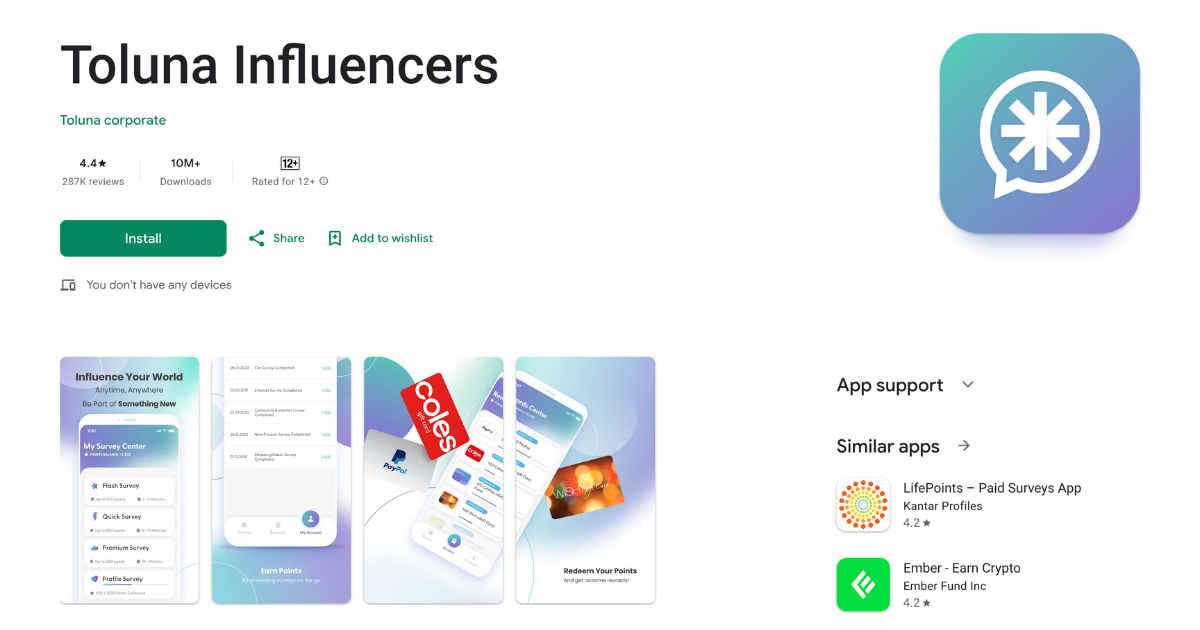
Toluna users earn money by sharing their opinions on products, ads, and services.
Once you sign up, you’ll be matched with surveys based on your profile. These usually take a few minutes to 30 minutes to complete.
You could also be invited to test products at home (yay, free stuff!) or participate in sponsored polls and discussions.
- Earning potential: $
- How you get paid: You can redeem points for PayPal cash or digital gift cards, and payouts typically process within a few days.
- What you need: A smartphone.
16. Mistplay
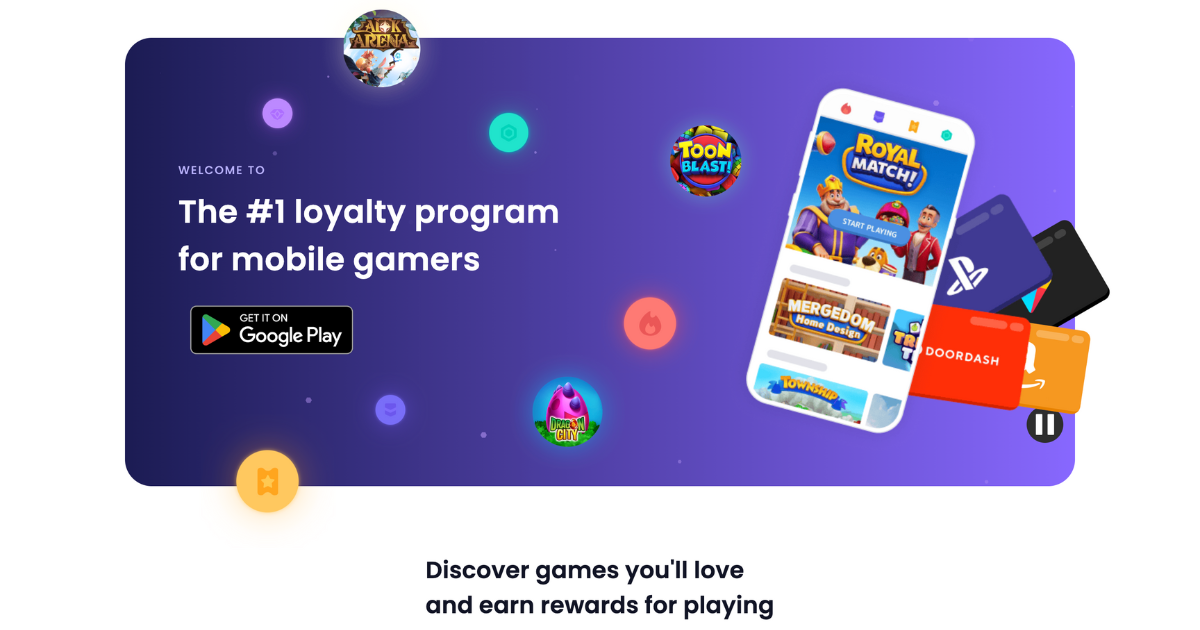
Mistplay rewards you with gift cards for playing new mobile games.
After downloading the app and setting up your profile, you’ll be shown a list of recommended games. Pick one, start playing, and earn points based on playtime, engagement, and in-game milestones.
Mistplay also includes loyalty tiers and streak bonuses, so staying active can help you earn more over time.
- Earning potential: $
- How you get paid: Points can be redeemed for gift cards (Amazon, Google Play, Visa, etc.).
- What you need: A smartphone.
17. InboxDollars: Android and iOS
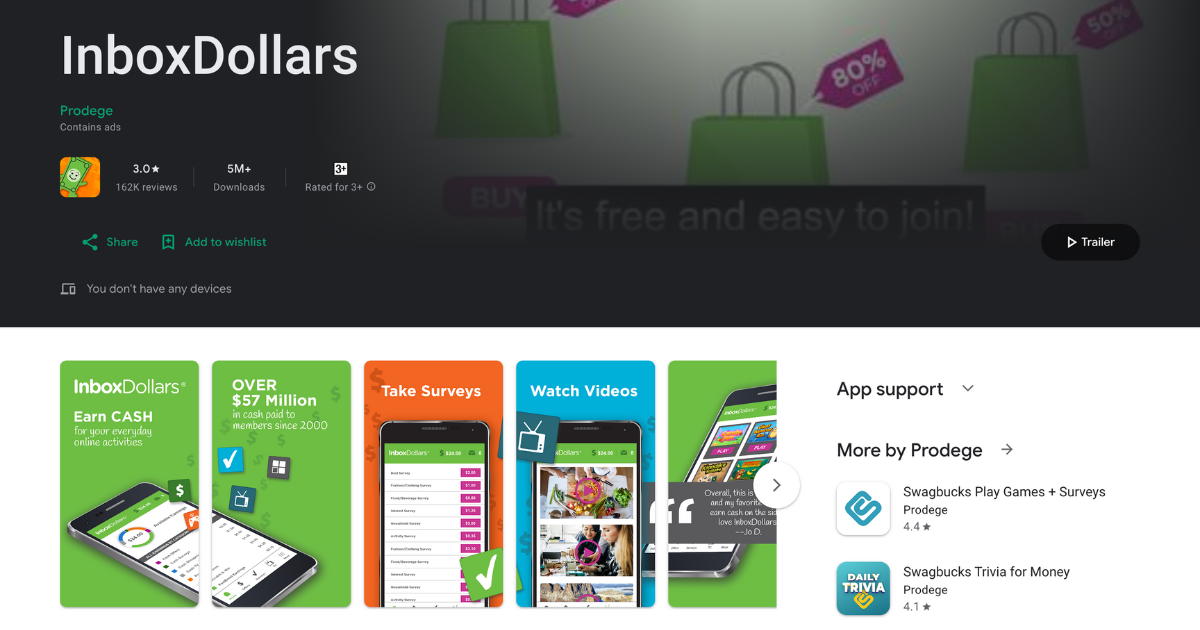
InboxDollars is the jack-of-all-trades cash-earning app.
Once you sign up, you’ll see options like watching short videos, taking surveys, playing casual games, reading sponsored emails, or even just shopping through their portal and earning cash back.
Each task displays an estimated payout and time requirement, but as a general guide, video clips pay a few cents each, surveys pay anywhere from $0.50 to $5, and shopping pays a percentage back on your purchases.
- Earning potential: $
- How you get paid: Once you reach the $15 minimum balance, you can request a payout via PayPal, check, or gift card.
- What you need: A smartphone.
18. Pawns.app: Android and iOS
Pawns.app offers two primary earning methods: completing short surveys (I know, I know), but also earning by sharing your unused internet bandwidth. Cool, right?
Read Also: Make Money Online Writing
Surveys are typically brief and pay up to $1 each. By enabling the internet-sharing feature, you allow the app to utilize a portion of your bandwidth, earning you passive income.
- Earning potential: $$
- How you get paid: Once you reach the $5 minimum payout threshold, you can withdraw your earnings via PayPal, Bitcoin, or gift cards.
- What you need: A smartphone.
19. Freecash
Freecash allows users to earn money by completing surveys and downloading apps. Tasks are listed with their respective payouts, allowing users to choose based on their preferences.
- Earning potential: $
- How you get paid: Earnings can be withdrawn via PayPal, Bitcoin, or gift cards, often with a low minimum withdrawal threshold.
- What you need: A smartphone.
20. Shopkick: Android and iOS
Shopkick lets you earn kicks (points) by walking into partner stores, scanning barcodes, making purchases, or watching promotional videos.
You can shop in stores like Target, Walmart, and Best Buy, or shop through linked retailers on the online portal. The kicks you earn can then be redeemed for either gift cards or PayPal cash.
- Earning potential: $
- How you get paid: Accumulate kicks and redeem them for a wide variety of gift cards (Amazon, Starbucks, etc), or transfer cash directly to your PayPal account.
- What you need: A smartphone.
21. MyPoints: Android and iOS
MyPoints is a multi-gig platform that you can earn points by completing surveys, shopping with cashback, reading emails, playing games, or watching videos.
With the points you accumulate, you can then browse the coupons and deals you can redeem, along with gift cards or PayPal cash.
- Earning potential: $
- How you get paid: You can redeem gift cards (starting at $5) and PayPal cash using your points.
- What you need: A smartphone and a PayPal account for PayPal cash withdrawal.
22. ProductTube: Android and iOS
ProductTube is a video survey app. It pays you for making short videos about the various products you see when you go shopping.
Once you download the app and sign up, you’ll start receiving invitations to record a video. There’ll be tasks you can complete, and each will have its own set of instructions.
Record the video according to the guidelines and upload it to the app. You won’t have to record yourself unless the guidelines specifically request it. The videos aren’t posted anywhere online; it’s just market research stuff.
You may be asked to record videos at home, in-store, or using augmented reality.
- Earning potential: $-$$
- How you get paid: Amazon gift cards. Payment is issued within 5 days of your video getting approved.
- What you need: A smartphone.
23. Google Opinion Rewards
Google Opinion Rewards is a quick survey app by Google. It gives you small rewards for answering short questions, usually about recent shopping, places you’ve been, etc.
It’s not going to make you a millionaire; it’s one of those apps where the income adds up over time. It doesn’t take long, so it can be a time filler on your daily commute or when you’re bored.
Once you download the app and set it up, you’ll be prompted to complete surveys when Google has one for you. On Android, you typically get paid with Google Play credit, and on iOS, via PayPal.
- Earning potential: $-$$
- How you get paid: Google Play credit. iOS: PayPal cashouts (where available).
- What you need: A smartphone, a Google account, and notifications enabled. PayPal account on iOS.
24. Amazon Influencer Program: Android and iOS
The Amazon Influencer Program lets you earn by recommending products through your own Amazon storefront.
There’s no separate Influencer app, but you can sign into the regular Amazon shopping app with the account you used to join the program.
From there, you can manage your storefront, share affiliate-style links, and track earnings directly within the app. Anytime followers shop through your links, you get a commission.
- Earning potential: $$-$$$$
- How you get paid: Amazon pays creator commissions monthly, via direct deposit. Each category of products has a different commission rate.
- What you need: A smartphone and an Amazon account.
25. Rakuten: Android and iOS
Rakuten is a cashback app that’s partnered with over 3,500 stores and businesses like Amazon, Walmart, Best Buy, and more.
Users can either browse the partner offers through the Rakuten app or use its browser extension while shopping online.
Cashback percentages on Rakuten differ – while a business gives you 5%, others might offer up to 30%.
- Earning potential: $
- How you get paid: Amazon pays creator commissions monthly, via direct deposit. Each category of products has a different commission rate.
- What you need: A smartphone and an Amazon account.
26. Upside: Android and iOS
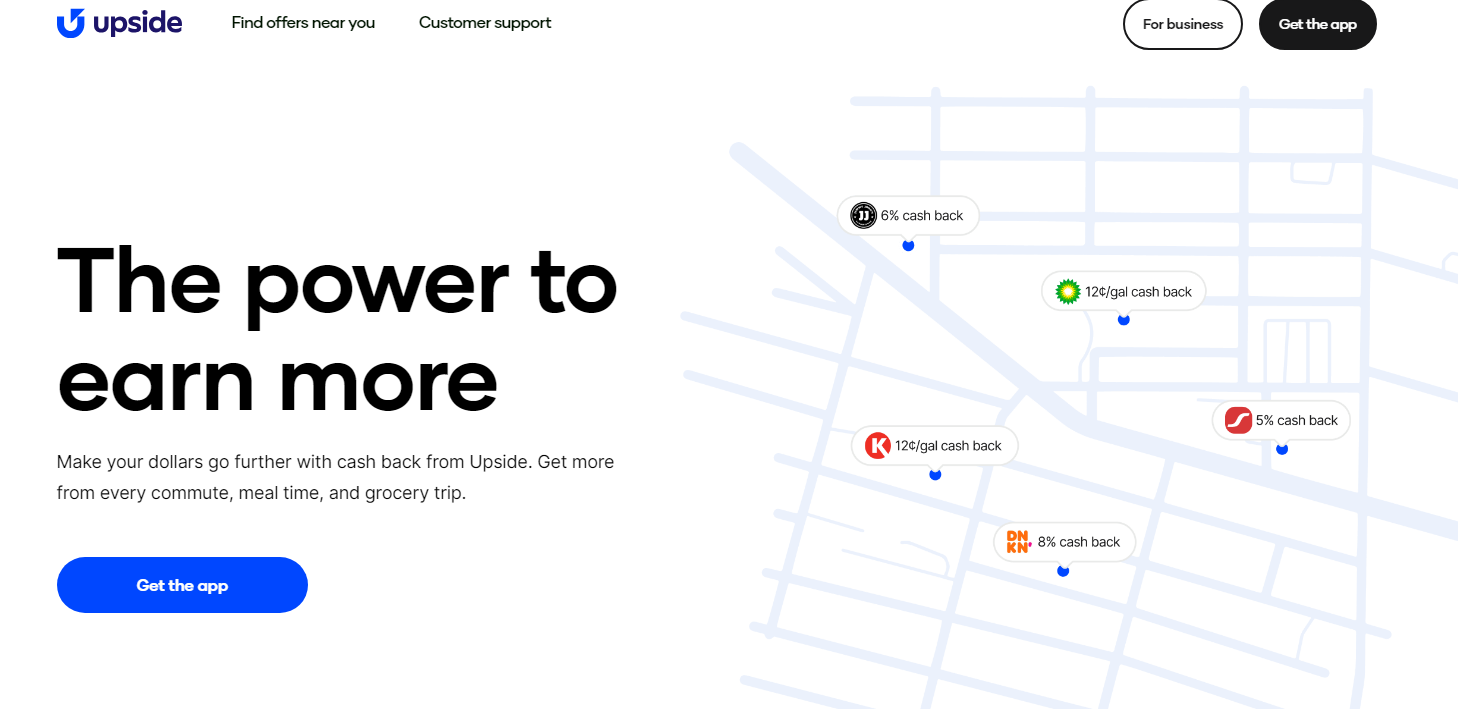
With Upside, you claim offers from nearby stores.
This includes grocery shops, gas stations, and restaurants. Once you claim an offer, all you need to do is shop to your heart’s content.
You get a percentage of your money back to your Upside account once you spend money on eligible offers. The exact amount varies based on the offer.
You won’t get much money through this, but if you can get paid for something you have to do anyway, then why not?
- Earning potential: $
- How you get paid: Bank transfer or PayPal.
- What you need: A smartphone.
27. Pogo: Android and iOS
Pogo is something between a cashback app and a data-sharing app. You can share your transaction data, email receipts, and location history in exchange for rewards.
To do this, you have to link your bank accounts and credit cards to let Pogo track your spending.
Pogo makes money by selling that data for market research purposes but also through personalized offers and ads. It’s all anonymized, though.
- Earning potential: $
- How you get paid: You need to save 3,000 points before you can cash out through PayPal or Venmo.
- What you need: A smartphone.
28. Ibotta: Android and iOS
Ibotta is yet another cashback app.
Using Ibotta is straightforward. Browse the offers that interest you, pick the one you want, and then go ahead and shop. You connect your account to let Ibotta automatically keep tabs on your purchases or upload a receipt to get cash back.
- Earning potential: $
- How you get paid: You need to save 3,000 points before you can cash out through PayPal or Venmo.
- What you need: A smartphone.
29. Sweatcoin: Android and iOS
Sweatcoin tracks your outdoor steps and converts them into “Sweatcoins,” a digital currency that can be redeemed for various products, services, or charitable donations. The more you walk, the more you earn.
- Earning potential: $
- How you get paid: Sweatcoins can be exchanged for offers in the app’s marketplace (or donated to partnered charities).
- What you need: A smartphone.
30. StepN: Android and iOS
With StepN, you can earn money just by walking! StepN is an activity tracking app that gamifies your fitness.
However, StepN is a Web3 brand. So, you get paid in crypto.
To make money with StepN, you have to download the StepN app, purchase a pair of NFT sneakers (Around $20 as of early 2025, and open the app whenever you go for a walk, jog, or run.
- Earning potential: $
- How you get paid: StepN pays you in GST (the in-game token). You can withdraw this whenever you like.
- What you need: A smartphone, a crypto wallet, and StepN NFT sneakers.
31. Honeygain: Android and iOS
Honeygain gives you passive income for your unused internet bandwidth.
All you do is download the app, keep it open, and you can earn passive income by sharing your unused internet. Honeygain’s partners use your shared extra internet to perform their own data-intensive tasks.
- Earning potential: $
- How you get paid: When you first sign up, you will get $2 as a starting gift, and then 10 cents for every GB of data you share.
- What you need: A smartphone and internet.
32. Mode Earn (Current Rewards on iOS): Android and iOS
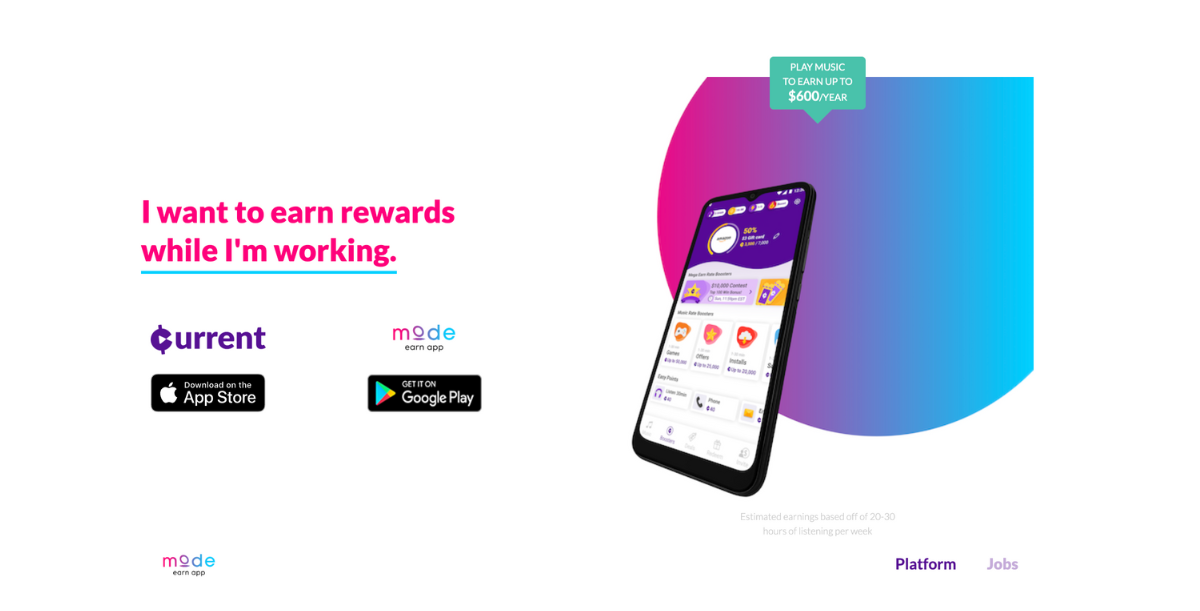
Mode Earn rewards you for listening to music (and completing small tasks on occasion).
Once installed, you’ll earn points passively just by streaming music through the app’s built-in player. The app runs in the background and tracks activity while rewarding you over time, so you can basically earn money just by charging your phone.
You can also earn bonus points by watching ads, referring friends, playing games, or completing offers.
- Earning potential: $
- How you get paid: Points can be exchanged for PayPal cash, gift cards, or even physical products.
- What you need: A smartphone and internet.
33. MobileXpression: Android and iOS
MobileXpression is a data collection app that keeps track of what you do on your phone and then uses that data for research purposes.
All of the data is anonymous, so you don’t have to worry about your browser history getting leaked somewhere. Other than just letting the app run in the background while you do your own thing, you can also fill out surveys to earn more.
- Earning potential: $
- How you get paid: Once you’ve built up enough credits, you can trade them in for gift cards for retailers like Walmart or Amazon.
- What you need: A smartphone.
34. Caden: iOS only
Caden is similar to MobileXpression in that it lets you monetize your personal data to make some passive income.
You can let the app connect to various accounts, such as Netflix, Uber, or Walmart. Once connected, Caden collects anonymous data that companies use for research purposes.
You get a bonus for each account you connect, but after that, you just get a daily data dividend that depends on how many platforms you’ve linked up.
- Earning potential: $
- How you get paid: Caden uses Stripe to process its payments, which means you’ll need a bank account.
- What you need: A device running iOS (unavailable on Android); a Stripe account; an internet connection.
35. CashWalk: Android and iOS
CashWalk is a free app that counts steps and rewards you for steps, whether on a treadmill or outdoors.
Every 100 steps you take turns into Stepcoins. You can get gift cards for these Stepcoins, and if you’re walking, that’s all you need to do.
CashWalk also has more ways to earn coins quicker, though, such as watching ads or completing challenges.
- Earning potential: $
- How you get paid: You need 5,000 Stepcoins for a $5 gift card, which is a whopping 500,000 steps.
- What you need: A smartphone.
36. TopCashback: Android and iOS
TopCashback lets you earn money when you shop online or in-store. It’s essentially a typical cashback app, and the more you have of those, the more money you can make.
The app gives you cashback when you shop through one of its thousands of partnered retailers. TopCashback features over 7,000 retailers across categories like fashion, electronics, home, and even hotel bookings.
Joining the app is free, and you don’t lose anything by using it.
- Earning potential: $
- How you get paid: You can get paid by direct deposit, PayPal, or gift cards.
- What you need: A smartphone.
37. Sniffspot: Android and iOS
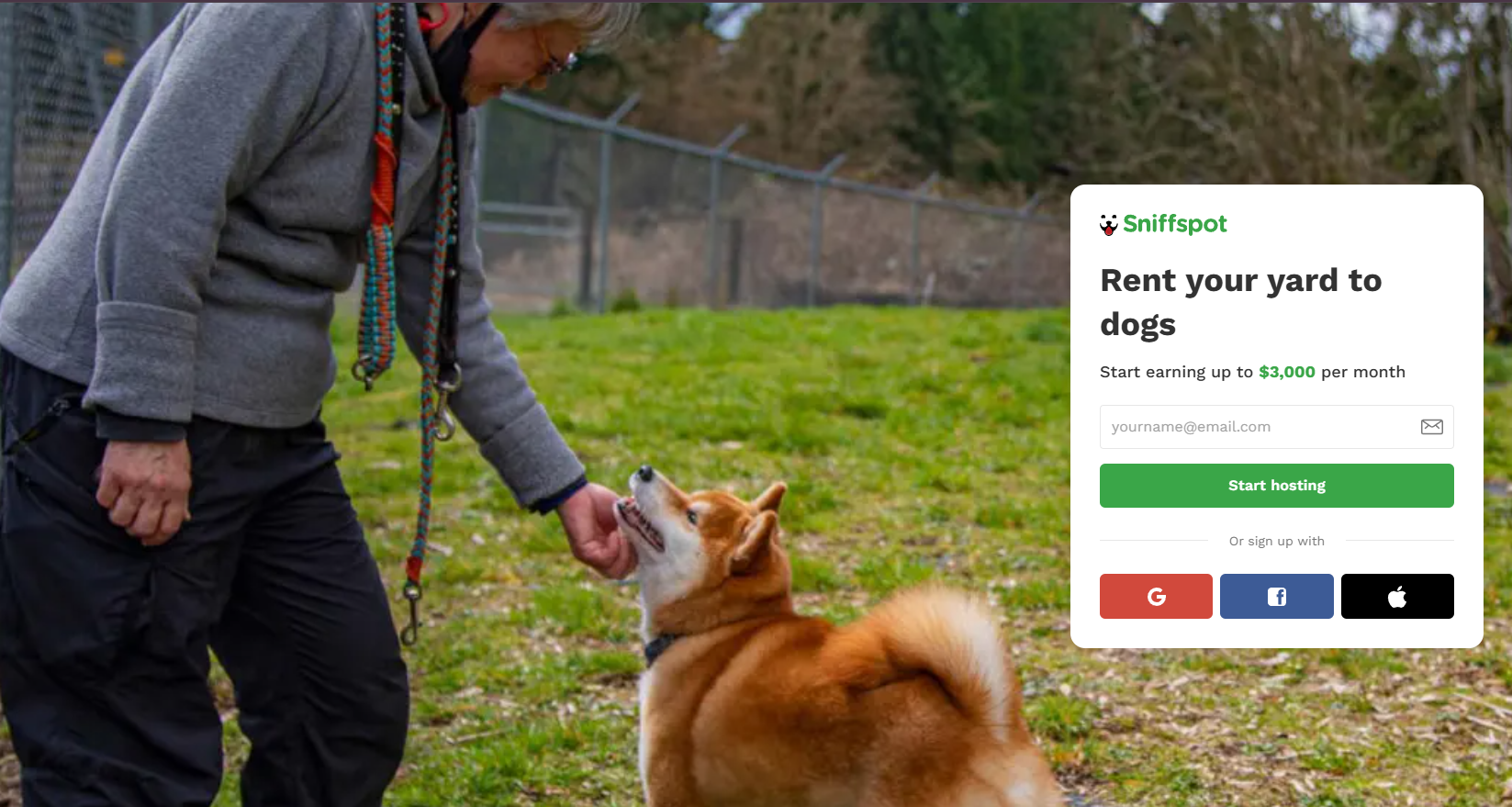
Public og parks can be stressful places for dogs if the other animals in there aren’t well-behaved. On the other hand, not everyone has the luxury of owning a fenced yard for their pooch to run around in day in, day out.
That’s where Sniffspot comes in, and with it, comes an opportunity for you to make some nice (nearly) passive income. Rent out your yard to dog owners and make money – it really is that simple.
You’ll need a fenced backyard that’s looked after. It needs to be fully enclosed with no way for dogs to escape.
- Earning potential: $-$$$
- How you get paid: Direct deposit via Stripe.
- What you need: A smartphone and a fenced-in yard or private outdoor space.
38. Uber: Android and iOS
Sign up with Uber and turn your car into a side hustle opportunity.
Once you’re approved, you get pinged with tasks right through the app. You can either accept or deny the tasks depending on the pay or your availability.
Uber drivers need cars, but with Uber Eats, you don’t need one–scooters and bikes are okay, too. For both delivery and driving, you will get paid based on distance + tips.
According to Glassdoor, Uber drivers make an average of $19-20/hour or $513 weekly. High-demand cities have higher rates than rural.
- Earning potential: $$$
- How you get paid: Weekly payments are the norm, although you can get paid instantly with Instant Pay at an extra fee.
- What you need: Meet your city’s minimum age (often 25), have a year of licensed experience, a valid in-state licence, and a vehicle or mode of delivery.
39. Rover: Android and iOS
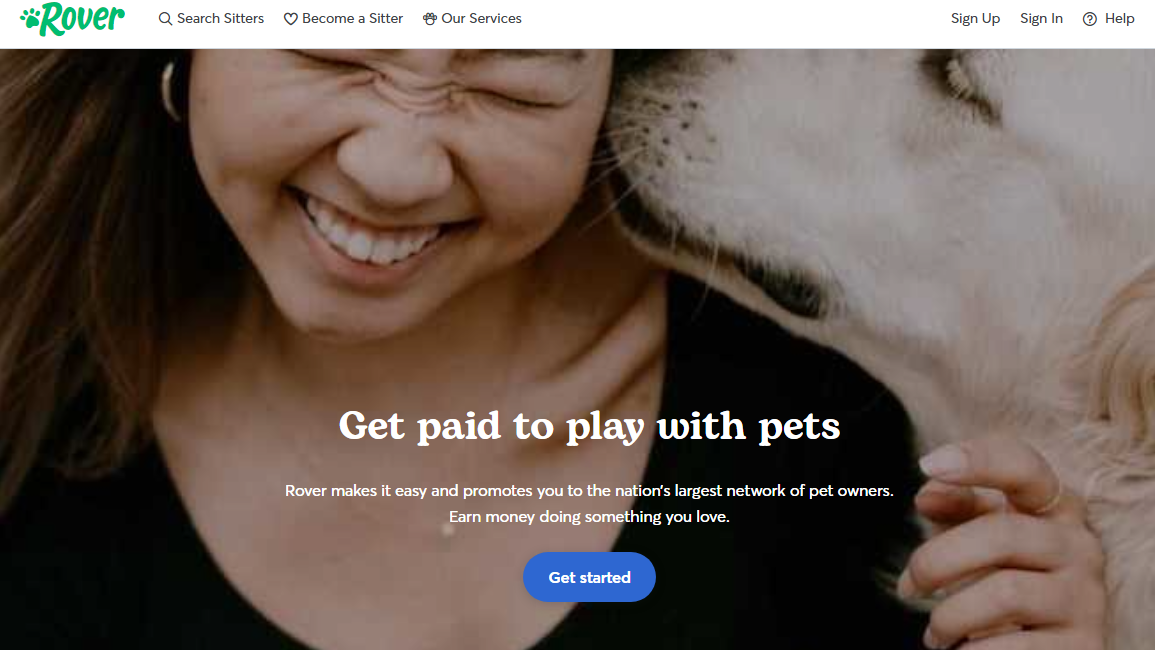
Rover is a good way to make money while doing what you love (read: spending time with animals).
Working through Rover is a flexible gig where you are connected with pet owners who need services such as dog walking, boarding, or pet sitting.
People will book your services based on your profile. Once you accept a booking, you take care of their pet and get paid through the app.
- Earning potential: $$
- How you get paid: Rover pays via direct deposit within 48 hours after you complete a gig.
- What you need: A smartphone and government ID for the background check.
40. TaskRabbit: Android and iOS
Get paid for completing physical tasks with TaskRabbit.
Let’s be real: many people have more fun sitting on the couch than doing whatever needs to be done around the house. (It’s me, I am “many people.”)
If you’re willing to do it for them, there’s good money to be earned for services such as putting furniture together, moving help, cleaning, and various handyman tasks.
- Earning potential: $$$
- How you get paid: Rover pays via direct deposit within 48 hours after you complete a gig.
- What you need: A smartphone and government ID for the background check.
41. italki: Android and iOS

Teach languages and make money with italki. The app lets you teach people from all around the globe.
There are two options:
- Professional Teacher (requires certification and/or experience)
- Community Tutor (focuses on language practice and conversation; doesn’t need any qualifications).
When you get started, you’ll set your own hourly rates and availability. Lessons typically take place in the italki Classroom or through video-chatting platforms like Zoom.
- Earning potential: $$$
- How you get paid: You get paid with italki Credits at a ratio of 1 Credit to $1. You can withdraw via Payoneer, PayPal, or bank transfer.
- What you need: A smartphone.
42. Instacart: Android and iOS
Instacart is an app that connects online shoppers with people who need goods delivered.
As an Instacart shopper, you have two options: become a full-service shopper, where you join the app, have orders pop up, and accept the ones you want to order. Then, you shop in-store and deliver the order to the customer’s location.
The second option is to become an in-store shopper. As an in-store shopper, you work for a specific store within the Instacart network. So, you only shop in one store, and as a result, you’re paid a fixed hourly wage rather than a per-gig fee.
- Earning potential: $$$
- How you get paid: Full-service shoppers get batch pay (amount paid to complete a ‘batch’, aka a shop), while in-store shoppers earn an hourly wage. You can choose to cash out your pay instantly (2 hours after delivery) or get a weekly direct deposit.
- What you need: A smartphone and car.
43. Gigwalk: Android and iOS
Earn on the go by completing quick and local tasks with Gigwalk.
After signing up (and enabling your GPS), you’ll see a map of available gigs near you. You could be asked to check store displays, verify prices, photograph products, or test mobile apps in-store. Think of it like an adventure!
Once you accept a job, you follow the instructions, complete the task on-site, and submit it through the app (usually with a photo or form). Once your submission is approved, you get paid.
Most gigs take between 5 and 30 minutes and pay between $3 and $20 (some may pay more).
- Earning potential: $$$
- How you get paid: You can get paid via PayPal, typically within a few days of gig approval.
- What you need: A smartphone with GPS and a PayPal account.
44. Mobee: Android and iOS
Mobee lets you earn money by completing what they call “missions” at local retail stores. You’ll usually be asked to visit a store and perform a few tasks.
This can mean answering a few questions surrounding shopping experience or customer engagement, or taking photos to check on cleanliness.
Once you pick a mission in the app, follow the instructions and head to the location. Missions usually take 5–15 minutes.
After you submit your answers and photos, they’re reviewed, and you’ll earn points (if everything checks out).
- Earning potential: $
- How you get paid: Points can be exchanged for gift cards (Amazon, Target, Starbucks, etc.).
- What you need: A smartphone.
45. Premise: Android and iOS
Premise pays you to complete small tasks in your area— taking photos of storefronts, verifying street signs, checking grocery prices, you get the idea.
Each task comes with a payout estimate and time requirement upfront, which is handy. Some take only a few minutes and pay as low as $0.20, but others may pay more depending on complexity.
The more accurate and consistent you are, the more tasks you’ll unlock over time.
- Earning potential: $
- How you get paid: Cashouts are available via PayPal, Coinbase, or other local payment methods, depending on your country.
- What you need: A smartphone.
46. UserTesting: Android and iOS
UserTesting pays you to test websites, mobile apps, and digital products. After signing up and completing a sample test, you’ll receive more invites.
The tests usually involve recording your screen and voice as you navigate a website or app while completing specific tasks.
Each test usually takes 5–20 minutes, and you’ll need to speak your thoughts out loud while using the site. You may also get live interviews, which pay more.
- Earning potential: $
- How you get paid: Payments are made via PayPal 7 days after completing each test.
- What you need: A smartphone and a PayPal account.
47. DoorDash: Android and iOS
DoorDash connects drivers with local businesses to deliver through their app. In addition to food delivery, it offers deliveries for groceries, other goods, and even alcohol (where legal).
As a Dasher, you use the app to accept nearby delivery requests, pick them up and drop them off – just like Uber Eats.
- Earning potential: $$$
- How you get paid: Payments are processed weekly with an option for instant cash-out for a small fee.
- What you need: A smartphone, a valid license, and a car (or other delivery method).
48. Airtasker: Android and iOS
Airtasker is a platform to find and complete local jobs, from cleaning and handyman work to graphic design and errands. Browse tasks in your area, submit offers, and accept jobs.
- Earning potential: $$$
- How you get paid: Payments are processed through Airtasker after job completion, usually via bank transfer.
- What you need: A smartphone and ID for verification.
49. Field Agent: Android and iOS
Get paid for microtasks such as retail audits and mystery shopping with Field Agent.
Once you download the app, you can browse available jobs in your local area. Typically, you’ll visit a store and perform different tasks.
With Field Agent, this normally means taking photos of product displays, checking promotions, verifying pricing, or answering short surveys about your experience. You then upload your findings in the app for review.
- Earning potential: $$
- How you get paid: Payments are processed via PayPal after submitted tasks are approved, generally within a few days.
- What you need: A smartphone with GPS and a PayPal account.
50. Fiverr: Android and iOS
Sellers on Fiverr create gigs based on their skills and showcase each gig on their profile and search pages. Gigs are populated with images, tiers, descriptions, and FAQs.
When a customer searches the platform for a specific service, like graphic design or custom RPG character sheets, they see a list of relevant gigs.
Once you sell a gig and get paid, your customer rates their experience with you, and this helps you get higher positions on the search results.
- Earning potential: $$$
- How you get paid: Fiverr holds your funds until the order is completed, and you can withdraw them via PayPal or bank transfer 14 days after the order is complete.
- What you need: A smartphone.
Conclusion
Making money online is easier than ever in 2026 and beyond, and you can keep all of it for yourself. These 50 online money-making best apps cover everything from surveys and gig work to investing and skill sales.
The secret is to diversify, start small, and maintain consistency. Select a small number of apps that suit your needs and build up your collection over time.
Your smartphone has the potential to be your most lucrative asset if you put in the necessary effort and have the appropriate resources.


Comments