
 By
By 
You’ll probably need an e-commerce platform for beginners if you’re new to the world of e-commerce. Users can effectively manage their online stores and offer a user-friendly online buying experience with the correct software. But with so many possibilities, it might be difficult to find the perfect solution.
We combine ease of use, affordability, flexibility, and attractive design features, so you can start selling quickly, without needing technical skills. Whether you’re launching a digital side hustle, a handmade product shop, or a print-on-demand store, there’s an e-commerce platform here to support your goals.
1. Shopify

Shopify is the most popular e-commerce platform on the market, and for good reason. It’s designed specifically for online selling, giving you access to a full suite of tools for launching, managing, and scaling your store.
We found Shopify’s on-boarding smooth and intuitive. Their AI setup assistant asked me about my products and created a basic storefront within minutes.
It wasn’t flashy out of the gate, but it gave me a working store that I could quickly customize using free themes and apps.
Pros
- Sell unlimited products (physical and digital)
- Access to hundreds of ecommerce apps
- Easy to connect to marketplaces like Amazon and Instagram
- Great SEO and performance tools
Cons
- Most themes are paid ($140+)
- Editor feels slightly restrictive compared to others
- Limited design flexibility without coding
Pricing Breakdown
| Plan | Monthly Price | Key Features |
|---|---|---|
| Basic | $29 | Best for new stores |
| Shopify | $105 | Pro reports and better analytics |
| Advanced | $399 | Custom reporting and shipping |
The Basic plan includes everything you need to launch: product pages, shopping cart, payment processing, discount codes, and basic analytics.
2. Fourthwall

Fourthwall is one of the easiest platforms we’ve tested for getting a store live. Instead of walking through dozens of settings, you start by adding a product. That can be a hoodie, a digital download, or even a membership. The storefront builds around what you’re selling.
There’s no app marketplace to sort through and no tax rules to configure. Fourthwall handles sales tax and VAT automatically as the Merchant of Record. If you use their catalog merch, they also take care of fulfillment and customer support.
For beginners who feel overwhelmed by dashboards and plugins, this setup feels lighter. You focus on what you want to sell. The platform handles the operational pieces in the background.
Pros
- No monthly fee
- Built-in print on demand, digital products, and memberships
- Tax compliance handled automatically
- Customer support included for catalog products
- Clean, beginner-friendly dashboard
Cons
- Not ideal for complex inventory
- Not as many integration options as some alternatives
Pricing Breakdown
| Plan | Monthly Price | Key Features |
| Free | $0 | Storefront, merch, tax handling |
| Pro | $19 | Lower platform fees, added perks |
The free plan is more than enough for most beginners, and the Pro plan is excellent value for money when you’re ready to scale, particularly when you consider all the extra apps and tools Fourthwall can help you avoid buying.
3. Squarespace
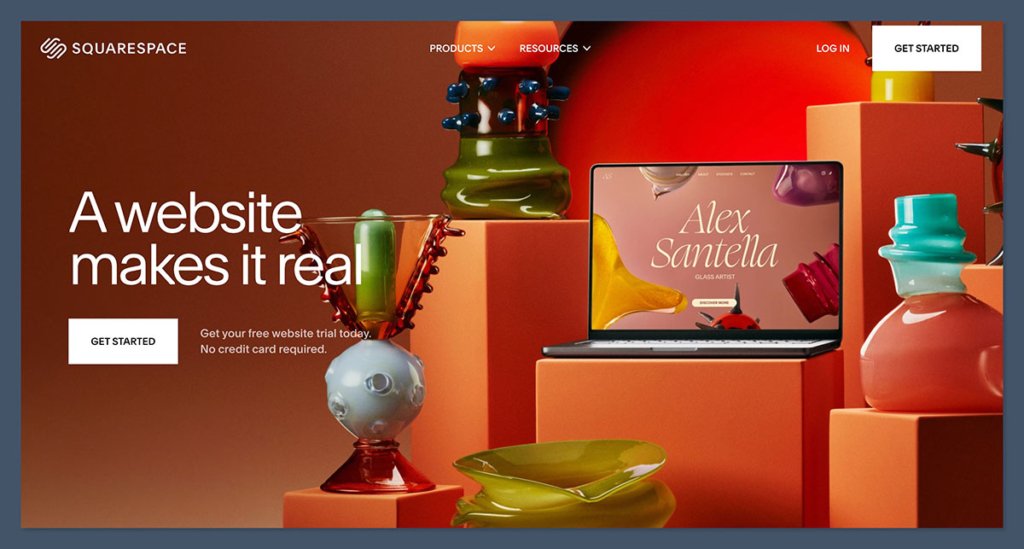
Squarespace is one of the easiest platforms we’ve tested for building a store that looks professionally designed.
The drag-and-drop editor uses a clean grid system, making it hard to mess up layouts. I set up a store with only four products and was able to customize fonts, color palettes, and animations without touching any code.
It’s not built for high-volume stores, but if your focus is on showcasing a few great products with beautiful images, Squarespace hits the mark.
Pros
- Stunning templates with mobile optimization
- Built-in email marketing and analytics
- Excellent support for booking and digital services
- Easy-to-use interface, even for beginners
Cons
- Less flexible than Wix
- No free plan
- Limited third-party extensions
Pricing Breakdown
| Plan | Monthly Price | Ecommerce Features |
|---|---|---|
| Business | $23 | Basic ecommerce functionality |
| Basic Commerce | $27 | No transaction fees |
| Advanced Commerce | $49 | Subscriptions and shipping tools |
The Business plan allows you to sell online with a 3% transaction fee, making it best for testing the waters.
Read Also: How to Choose the Right Monetization Strategy for Your Niche
Basic Commerce removes those transaction fees and includes features like customer accounts, point-of-sale, and inventory tracking.
Advanced Commerce unlocks advanced features like abandoned cart recovery, subscriptions, and real-time shipping rates.
4. Wix
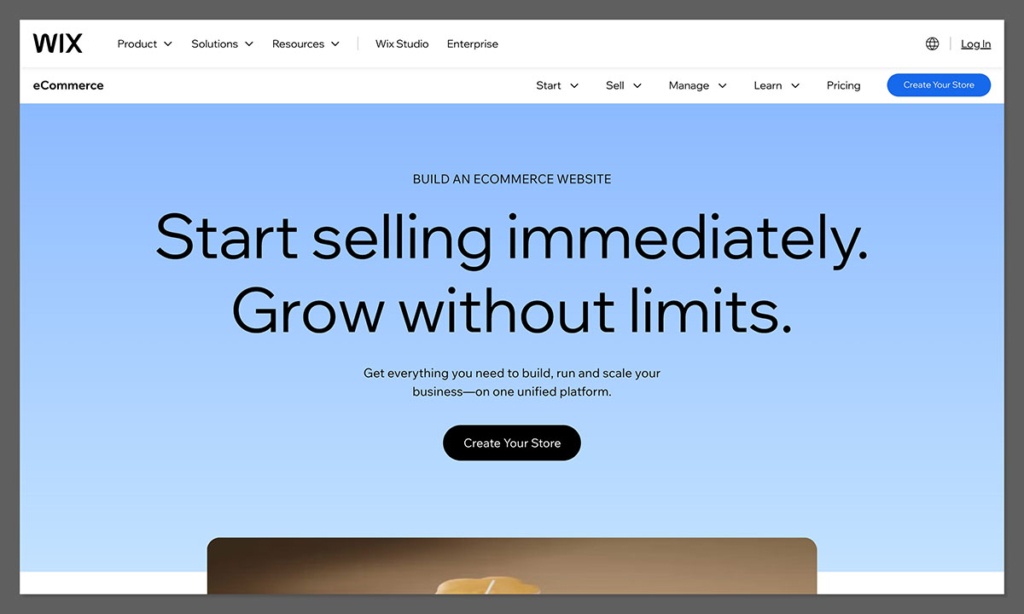
Wix offers the most flexibility of any builder we tested. The drag-and-drop editor gives you near-complete control over page layouts, making it easy to create a site that looks and feels unique.
Wix also includes an AI website builder that generates a ready-made site based on a short quiz. You do need to be a bit more patient, it’s not as streamlined as Squarespace, but the trade-off is creative freedom.
Pros
- 800+ templates for various industries
- Complete design flexibility
- Strong app marketplace
- Built-in marketing and SEO tools
Cons
- Can’t change template after publishing
- Learning curve with the editor
- Slower load speeds than Shopify or Squarespace
Pricing Breakdown
| Plan | Monthly Price | Ecommerce Capable? |
|---|---|---|
| Core | $29 | Yes |
| Business | $36 | Advanced features |
| Business Elite | $159 | Enterprise-ready |
The Core plan gets you started with basic e-commerce tools, secure checkout, and product listings.
The Business tier adds more storage, customer support tools, and additional marketing features.
Business Elite is tailored for larger stores needing advanced bandwidth, analytics, and premium support.
5. Big Cartel
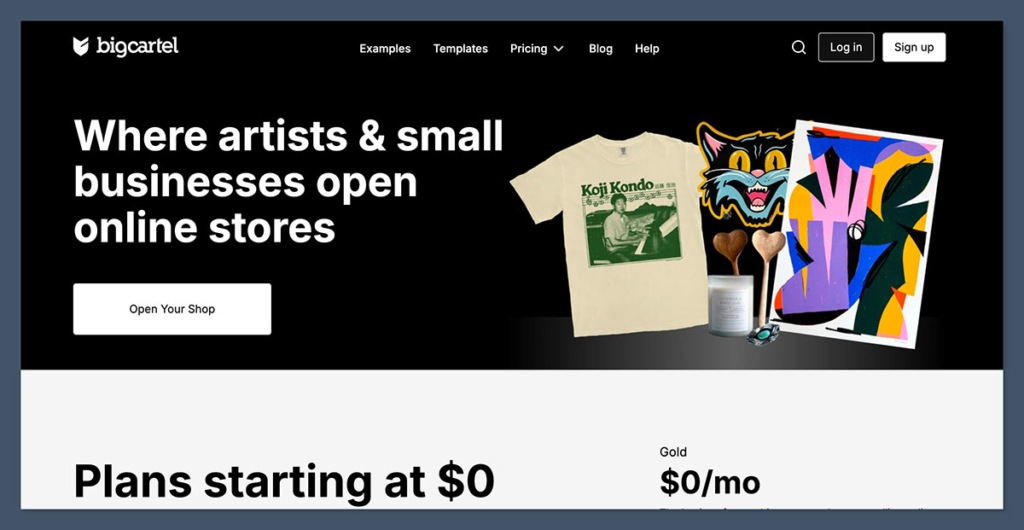
Big Cartel is designed for people who want to start small, really small. If you’re an artist, illustrator, or handmade product seller, it’s a simple and affordable way to sell online without monthly fees.
During testing, we found the interface to be refreshingly minimal. Setup only took about 10 minutes, and we could easily add product images, pricing, and checkout settings.
It doesn’t offer advanced features like Shopify, but that’s not the point. It’s there to help you start without overwhelm.
Pros
- Free plan available for up to 5 products
- No transaction fees
- Simple interface for quick setup
- Clean, minimalist templates
Cons
- Limited features for scaling
- Few integrations
- Basic design customization
Pricing Breakdown
| Plan | Monthly Price | Product Limit |
|---|---|---|
| Free | $0 | 5 products |
| Platinum | $9.99 | 50 products |
| Diamond | $19.99 | 500 products |
The Free plan includes core features like checkout and theme customization for up to 5 products.
Platinum introduces inventory tracking and custom domains, while Diamond supports bulk editing, Google Analytics, and higher product counts, without bloating the dashboard with extras.
6. Sellfy
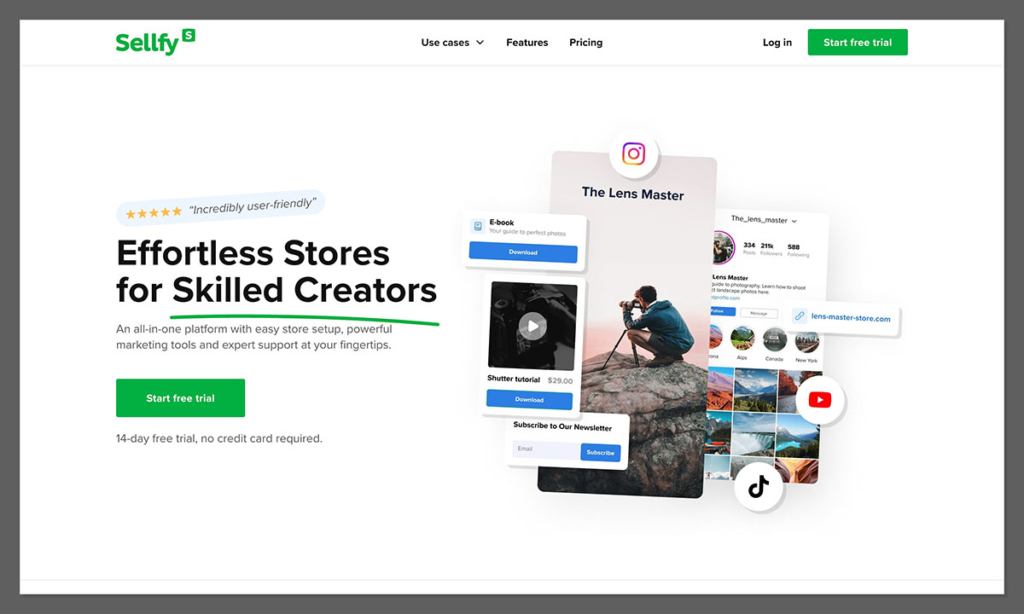
Sellfy is a platform we recommend if you’re focused on selling digital goods like ebooks, video courses, music, or design files. It’s also a good fit for creators offering memberships, pay-what-you-want pricing, and subscription services.
What stood out during testing was how fast you can launch. I uploaded a PDF, added a cover image, and had a working checkout page in under 20 minutes.
The platform also auto-generates license keys and download links, which saves time and avoids headaches.
Pros
- Optimized for digital and subscription products
- Supports pay-what-you-want pricing
- No need for external plugins
- Accepts multiple currencies
Cons
- Limited design flexibility
- No built-in blogging tools
- Templates feel basic
Pricing Breakdown
| Plan | Monthly Price | Sales Limit per Year |
|---|---|---|
| Starter | $29 | $10,000 |
| Business | $79 | $50,000 |
| Premium | $159 | Unlimited |
The Starter plan includes product uploads, discount codes, and customizable storefronts.
The Business tier adds upsells, cart recovery, and email marketing features.
Premium removes all limits and is best for creators managing large audiences or recurring sales.
Conclusion
If you want a platform that can expand with your business and intend to sell tangible goods, use Shopify. For novices who are prepared to take e-commerce seriously, it offers the greatest all-in-one toolkit.
However, you could be better off choosing one of the other options mentioned if your focus is on digital content, design, or branding.
For novices, all five are feasible; the key is to identify your priorities and select the platform that best supports them.











Comments